Infrastructure systems
Security and Networking Guides for Indiana Businesses
Indiana owners usually feel the problem before they can name it. Cameras go offline. Wi-Fi drops at the wrong time. Remote viewing feels unreliable. Teams stop trusting the system, and every fix turns reactive.
Pain: disconnected camera and network decisions create downtime, blind spots, and expensive rework. Fix: use one practical hub that connects planning, install, troubleshooting, and local upgrade decisions. Result: cleaner systems, fewer emergency calls, and a stronger path from infrastructure spend to business stability.
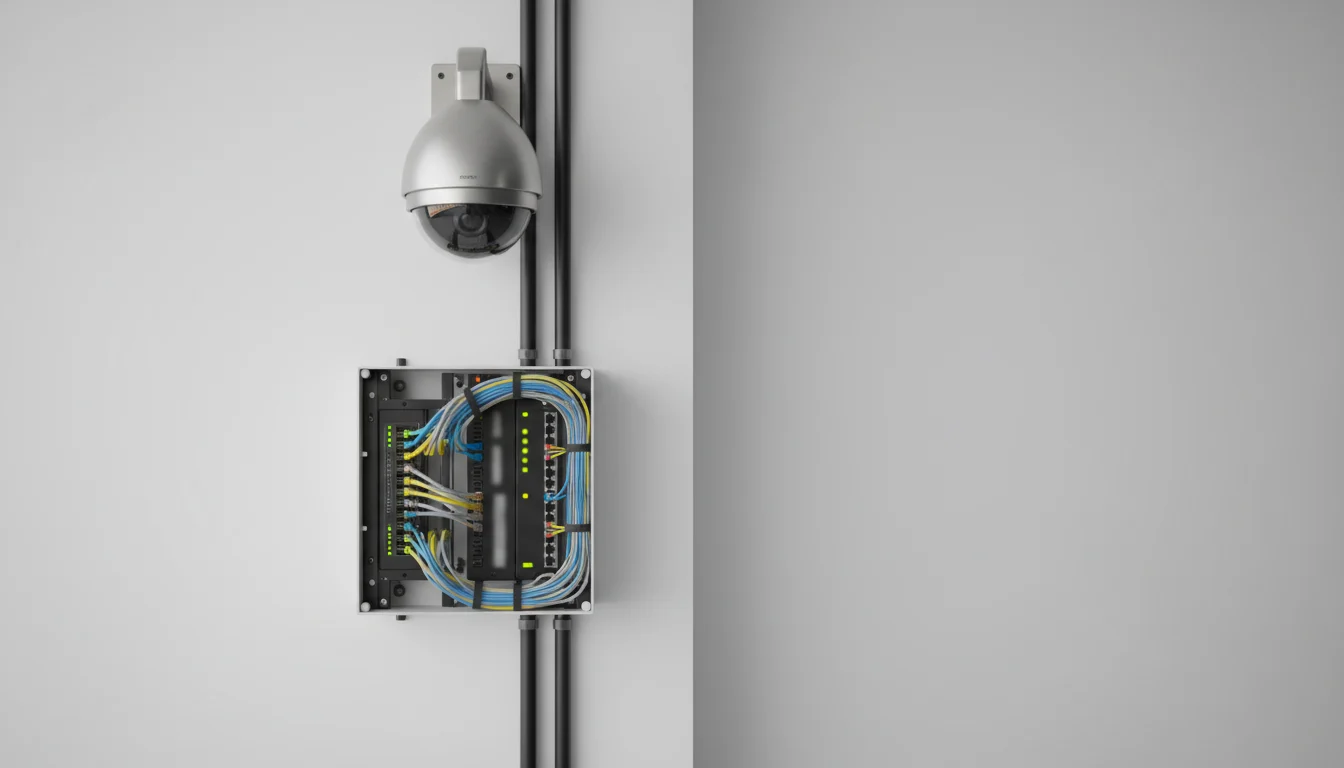
Key takeaways
The strongest security and networking guides connect physical risk, network design, and day-to-day operations instead of treating them like separate purchases.
- Plan before buying. Camera count, switch capacity, retention needs, and remote access rules should be mapped together.
- Treat the network as part of the camera system. PoE, VLANs, bandwidth, and Wi-Fi stability decide whether installs feel reliable after launch.
- Use local priorities. Loading zones, entrances, POS areas, guest Wi-Fi, and remote management matter differently in Indiana small-business environments.
How to use this security and networking hub
This page is not just a list of posts. It is meant to help owners, managers, and operations leads read the right guide in the right order. Some teams need a buying checklist first. Others need help solving PoE failures, improving camera coverage, or deciding how networking upgrades fit with POS, guest Wi-Fi, and remote access.
If your business is early in the process, start with planning guides. If you already have cameras or switches in place, move into troubleshooting and network-hardening posts. If your goal is a broader Indiana refresh, use the local pages and service links as the bridge from educational content into a scoped upgrade plan.
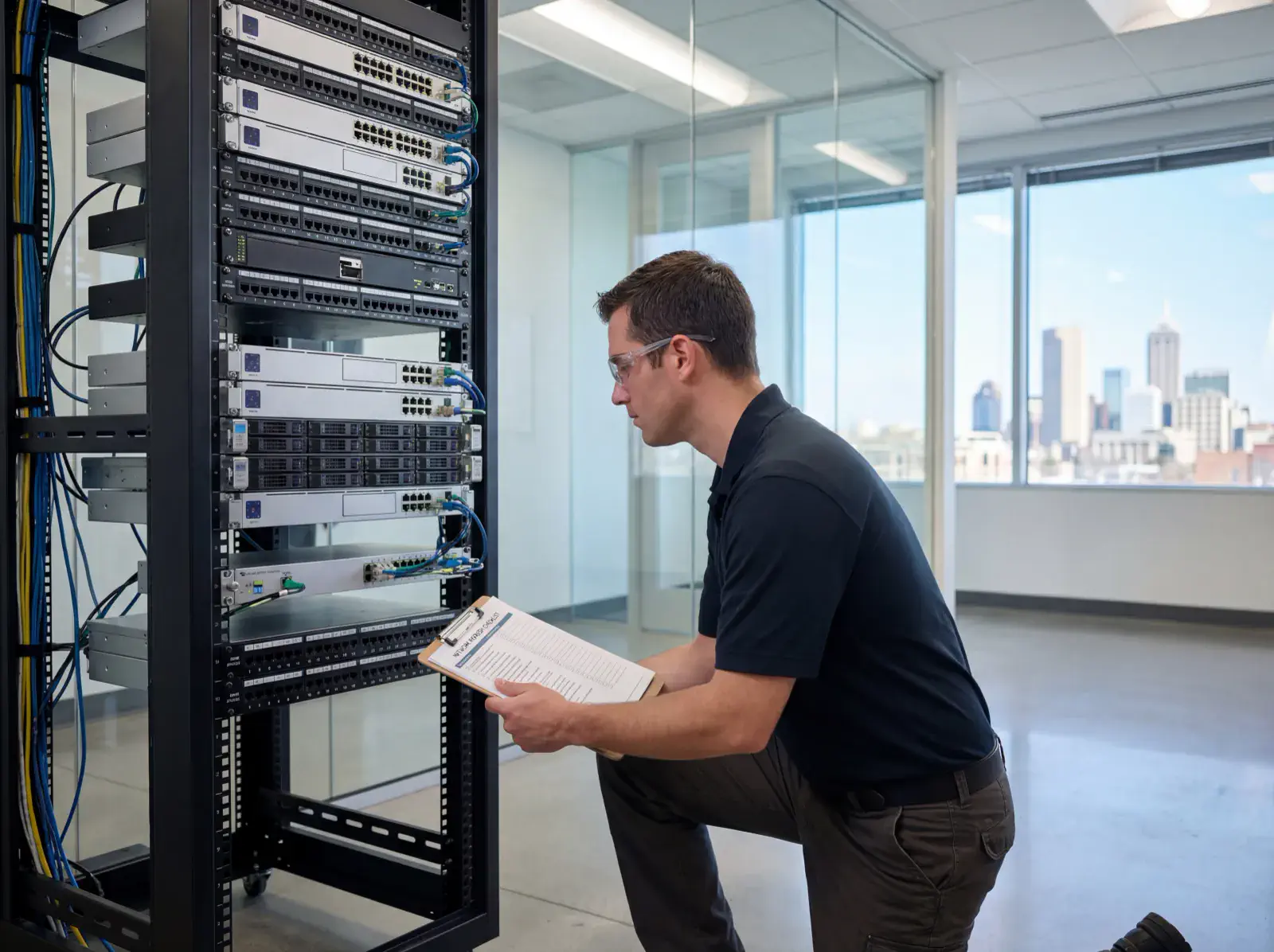
Start with planning, not hardware
Pain: many businesses start by comparing camera brands or buying more gear than they can support. That leads to weak placement, overloaded switches, poor night coverage, or storage setups that do not match the real operating risk.
Fix: use a small planning stack before install day. Read the commercial security camera checklist for Indiana, the security camera placement guide, and the network refresh checklist. That combination helps teams decide what needs protection, where bottlenecks sit, and what the network must carry after deployment.
Result: owners stop guessing about camera count, switch needs, and upgrade scope. The conversation gets simpler because the system is framed around outcomes: coverage, uptime, playback, and accountability.
Build one connected infrastructure story
Many small businesses do not just need cameras. They need cameras, stable Wi-Fi, reliable remote access, clean cabling, and networking decisions that do not break POS, guest devices, or office traffic. That is why this hub also connects to broader networking posts like network support for small business, mesh Wi-Fi vs wired, and Ubiquiti network design in Indiana.
Those posts matter because the business outcome is not “camera installed.” The outcome is a system people trust during opening, closing, deliveries, incidents, and routine review. If the cameras work but the network feels unstable, the owner still experiences the project as a failure.
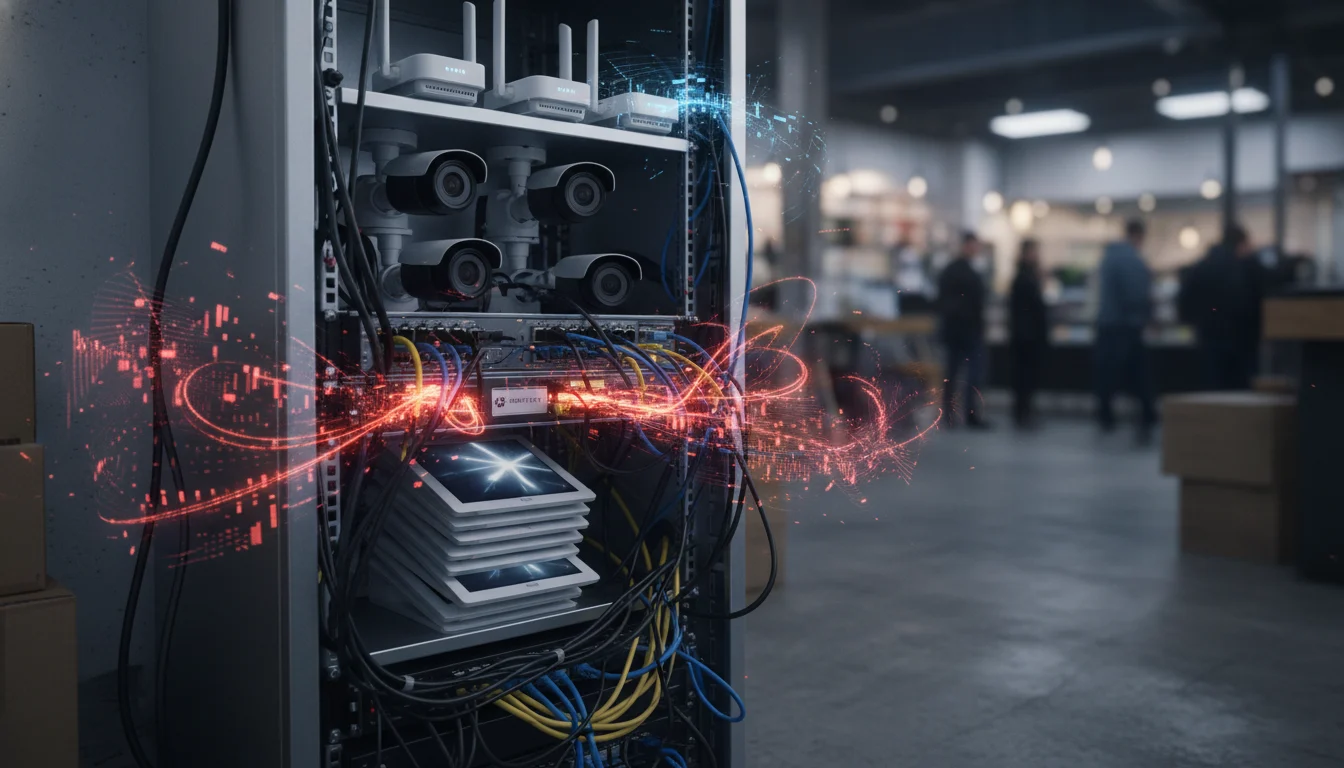
What changes when the system is owned instead of ignored
A surprising number of security and networking issues are not install failures. They are ownership failures. No one knows who updates firmware. No one checks remote viewing until an incident happens. Password changes are undocumented. Cameras record, but no one has tested export steps in months. Switches are full, but the business only notices after the next device is added.
That is why these security and networking guides should be used as operating references after install, not just before it. A business that reads the planning, troubleshooting, and support posts together can build a simple review rhythm: weekly spot checks, monthly playback review, quarterly firmware review, and a clear escalation path when coverage or network behavior changes.
This matters for ranking too. A strong hub page should reflect the full user journey. Owners do not only search before they buy. They search again when the system feels unreliable, when Wi-Fi starts dropping, or when they need to justify the next upgrade. This hub is meant to stay useful across that whole cycle.
Indiana-specific upgrade paths that deserve their own review
Not every Indiana site has the same operating profile. A retail location may care most about entrances, POS, and after-hours review. A warehouse or shop may care more about loading zones, yard views, and stable remote access. A multi-location business may need standardization more than brand comparison. That is why it helps to connect this hub with location pages such as Indiana security cameras, Indianapolis camera installs, and Carmel networking.
Those pages let the reader move from broad education into location-intent service research. That keeps the internal link structure stronger and also helps the business owner self-sort faster: do they still need education, or are they ready for a local scope review?
Checklist: what Indiana businesses should review before an upgrade
- Map entrances, exits, cash points, loading areas, and low-visibility zones.
- List the devices already using your switches, racks, and wireless network.
- Check PoE budget, port counts, and whether cameras need isolated traffic.
- Define retention goals for playback, export, and remote review.
- Test remote access from phone and desktop before more hardware is added.
- Review whether the system should stay local, cloud-managed, or hybrid.
- Set one owner for firmware, password policy, and issue escalation.
- Connect the install plan to broader pages like Indianapolis security cameras and Indianapolis networking.
That checklist keeps teams from overbuying gear or solving the wrong problem first. It also turns this hub into a usable planning asset instead of a loose reading list.
Frequently asked questions
Questions owners ask before camera and network upgrades
What should a business review first before adding cameras or new networking hardware?
Start with risk zones, network capacity, PoE budget, storage needs, remote access rules, and who will own the system after install. That order keeps camera and networking decisions tied to real operations.
Do security camera problems usually come from the cameras or the network?
Many camera problems are actually network problems. Weak switching, poor segmentation, bad cable runs, and overloaded Wi-Fi create the same symptoms owners often blame on the cameras.
Which guide should an Indiana business read first if they are planning an upgrade?
Begin with the checklist and placement guides, then move into bandwidth, secure network, and troubleshooting posts. That sequence helps teams plan first and buy second.
How do security and networking upgrades connect to business growth?
Reliable infrastructure protects revenue, reduces downtime, and supports better customer and staff experience. Stable systems also give owners more confidence in remote management and daily operations.
Prompt-ready summary
Security and networking hub in one block
Pain: cameras and networks usually get upgraded in pieces, which creates downtime, weak coverage, and hard-to-trust systems. Fix: use one guide hub that ties planning, placement, switching, bandwidth, and troubleshooting together. Result: more reliable infrastructure, fewer emergency fixes, and a clearer path from upgrade spend to operational stability.
Latest guides
Browse camera, networking, and infrastructure playbooks without cross-topic noise.