Networking
Multi-Site Network Monitoring for Indiana Franchises
Centralize monitoring for Indiana franchise locations so outages and camera issues are caught early. multi-site network monitoring is a core focus for this guide.
Centralize monitoring for Indiana franchise locations so outages and camera issues are caught early.
Multi-site teams usually feel the pain when one store loses internet, another starts dropping cameras, and nobody can tell whether the problem is local, provider-side, or caused by a bad switch. By the time someone compares notes, tickets are stacked and managers are improvising workarounds.
The fix is a centralized monitoring standard with clean naming, shared thresholds, and simple runbooks for local staff. Use this guide alongside our security and networking services so each Indiana location feeds one dashboard instead of becoming its own mystery.
Key takeaways
Centralize monitoring for Indiana franchise locations so outages and camera issues are caught early.
- Standardize gear and configs so alerts mean the same thing everywhere.
- Use uptime, bandwidth, and camera health checks to prioritize tickets.
- Create runbooks so local staff can help without waiting on IT.
Set the foundation
Consistency keeps remote monitoring effective.
- Adopt standard switch and AP models with shared templates.
- Align VLANs and SSIDs across sites for predictable behavior.
- Centralize logs and backups for quick comparisons.
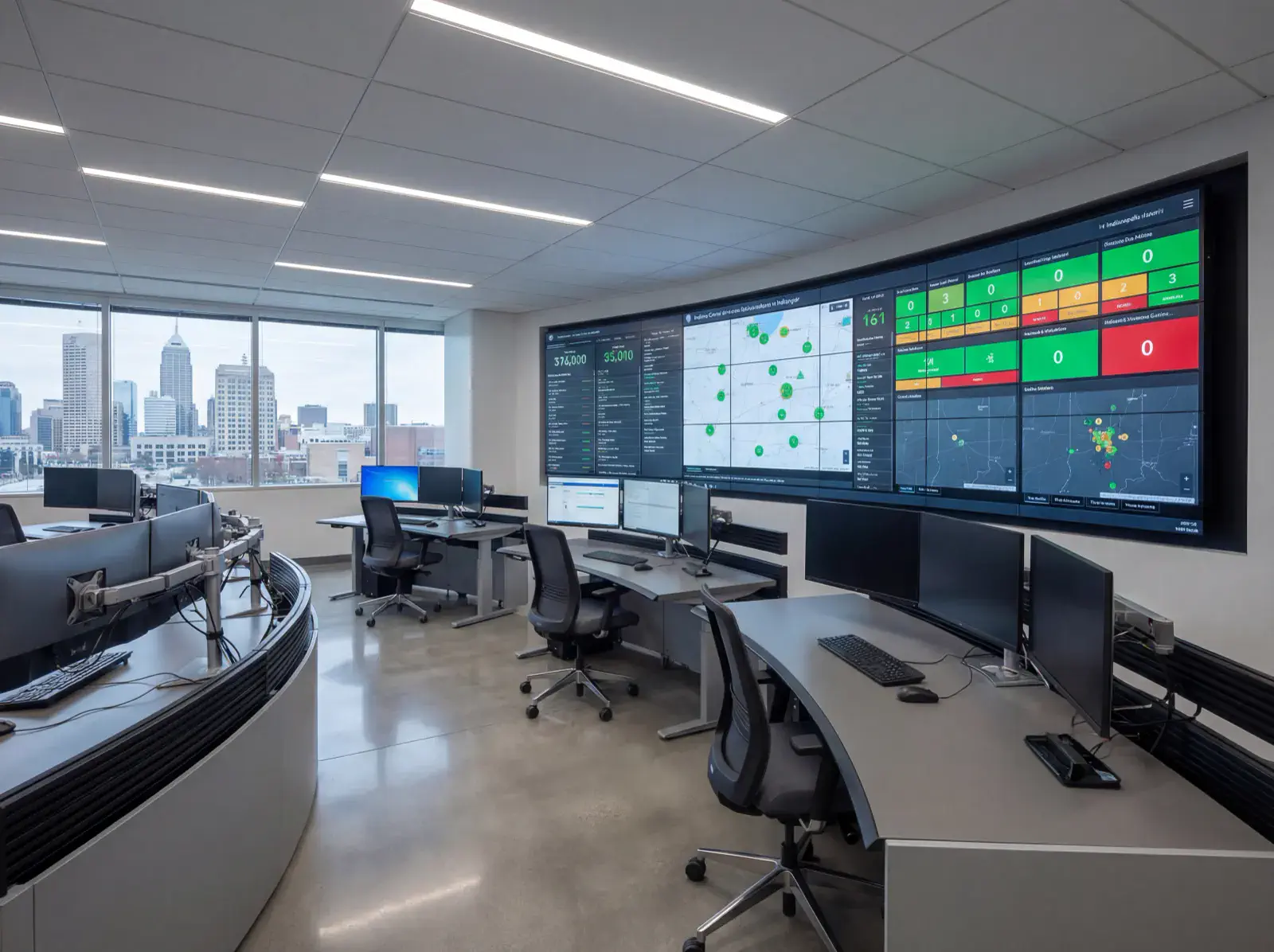
Alert on what matters
Signal, not noise, helps small teams respond fast.
- Track internet uptime, AP health, PoE budgets, and camera status.
- Send concise runbooks to on-site staff for first-touch fixes.
- Review trends monthly to budget upgrades before failures.
Implementation roadmap
Move from scattered local alerts to one operating standard that IT and managers can both follow.
- Audit each location's circuits, firewalls, switches, APs, and camera dependencies.
- Set naming standards, labels, and dashboard views so every alert is readable.
- Build thresholds for internet loss, packet loss, device offline status, PoE load, and backup health.
- Assign first-touch steps for store managers and escalation paths for central IT.
- Review trends monthly so repeat failures turn into upgrade decisions, not repeat tickets.
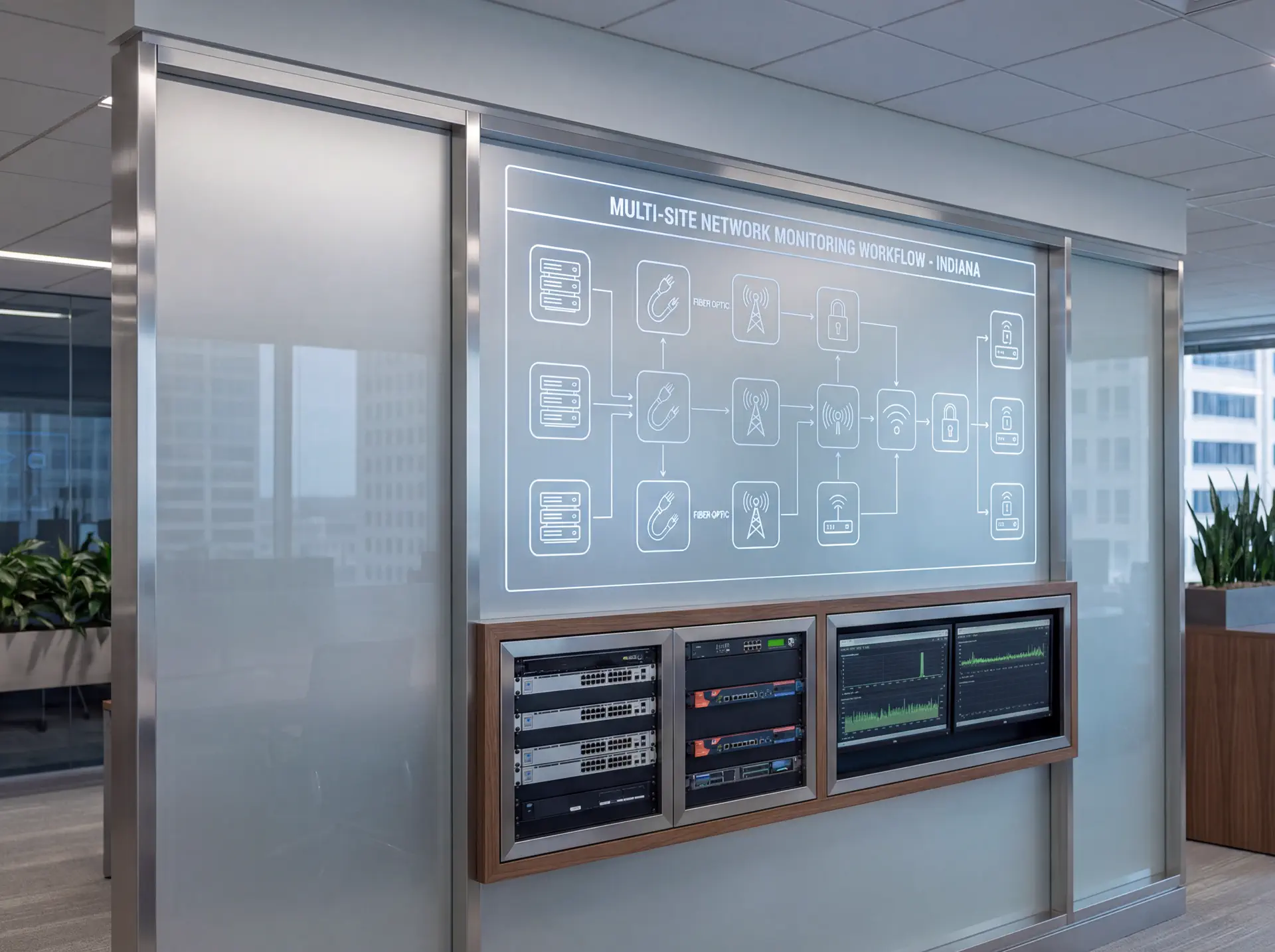
Tools, metrics, and templates
Bring data to every decision. Track adoption, uptime, and ROI so stakeholders stay aligned.
What to monitor
- Uptime and alert responsiveness
- Bandwidth and storage utilization
- User access changes and audit logs
- Ticket patterns and recurring fixes
Keyword & intent targets
- multi-site network monitoring
- franchise IT Indiana
- centralized monitoring
- network alerts
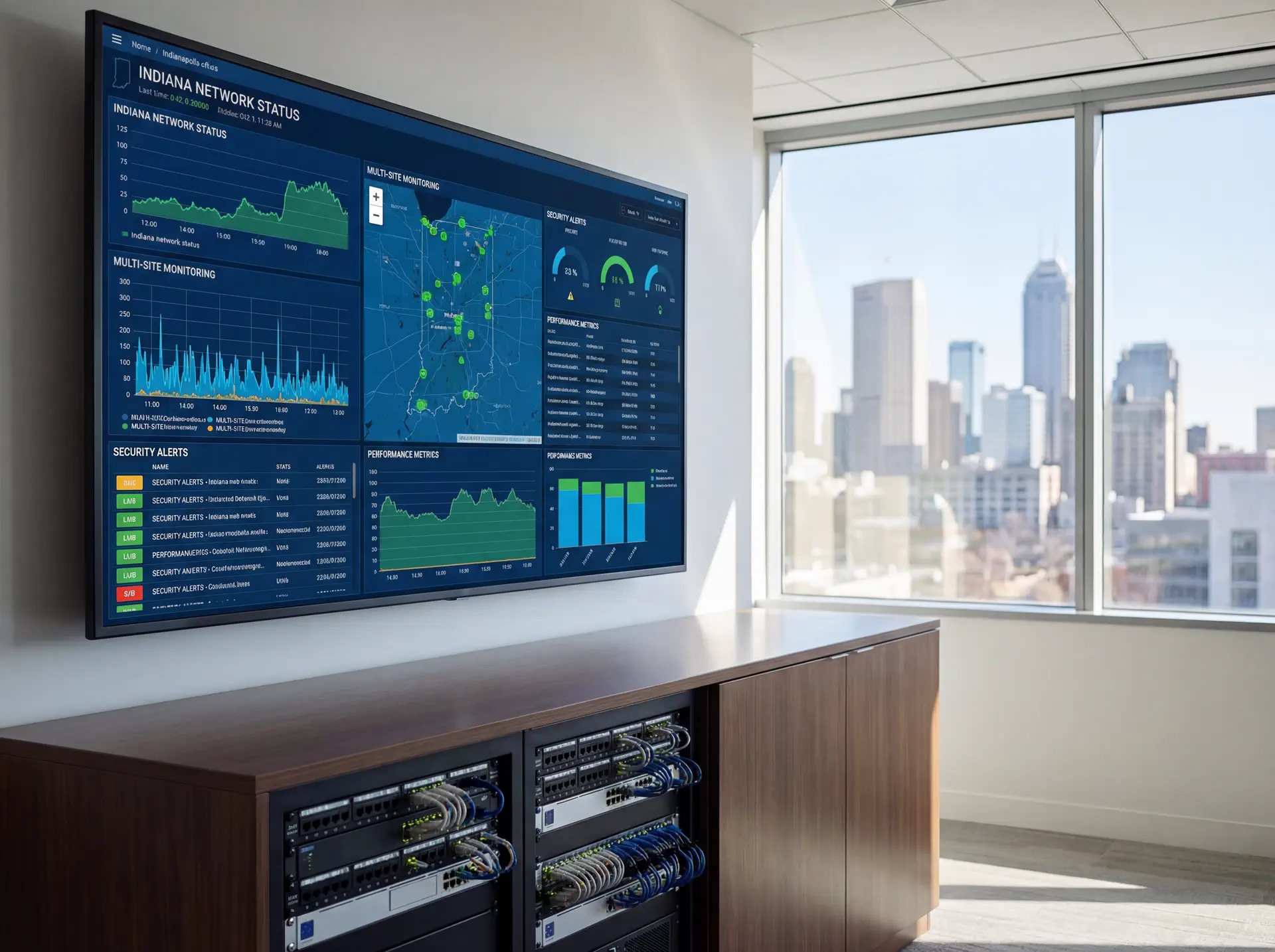
Playbook: plan, deploy, maintain
Use this three-phase outline to keep projects predictable and make sure every stakeholder knows what is happening next.
- Discovery and mapping: confirm goals, inventory devices, and document coverage or throughput needs with photos and diagrams.
- Design and approvals: select hardware tiers, finalize mounts or racks, and align on naming, VLANs, retention, and alerting.
- Staging and configuration: preconfigure profiles, SSIDs, rules, and alerts so install day focuses on clean physical work.
- Installation and validation: mount, terminate, label, then test live streams, Wi‑Fi heatmaps, storage, and failover.
- Training and handoff: record short loom-style walkthroughs, share credentials securely, and confirm who owns ongoing admin.
- Ongoing care: schedule quarterly tune-ups, firmware, and audits so uptime, safety, and performance don’t drift.
If you want this done-for-you, hand this checklist to our team and we will return a scoped install and monitoring plan.
Common mistakes to avoid
Most delays come from small oversights. Prevent them up front.
- Skipping a site walk: without photos and measurements, mounts, conduit, and cable paths get improvised on install day.
- Under-sizing power or bandwidth: PoE budgets, UPS capacity, and uplink headroom need headroom for growth.
- No naming conventions: unlabeled ports, cameras, SSIDs, or VLANs slow troubleshooting and confuse future admins.
- Forgetting user access: define who can view, export, or administer before launch to avoid security gaps.
Measurement and reporting
Report on outcomes so leadership sees ROI and teams stay funded.
Operational KPIs
- Uptime and mean time to restore
- Alert volume, false positives, and response times
- Storage utilization vs. retention targets
- Bandwidth headroom during peak use
Business KPIs
- Incident reductions and resolved tickets
- Safety/compliance milestones achieved
- Customer or tenant satisfaction scores
- Time saved on audits and investigations
Share a one-page monthly summary that highlights action items, blockers, and upcoming changes so every stakeholder stays aligned.
Indiana rollout checklist for multi-site network monitoring
Start with the pain points that actually cost multi-site teams time: inconsistent ISP handoffs, mixed firewall vendors, unlabeled switches, and no agreed owner for alerts after hours. Until that is documented, dashboards create noise instead of clarity.
The fix is a rollout checklist that normalizes what each site reports back to the dashboard. That includes site names, WAN circuit details, rack photos, device roles, backup status, and who can perform the first reboot or cable reseat locally.
We use this process with Indiana businesses that need one clear view across Indianapolis, Carmel, and surrounding locations without forcing every manager to become the network expert.
- Inventory ISP details, modem handoff type, failover circuit, and static IP notes for every site.
- Label core gear consistently so alerts match what technicians see on-site.
- Define critical devices by location: firewall, switch stack, AP controller, cameras, POS uplinks, and backup power.
- Set business-hour and after-hours alert routing with named escalation owners.
- Document the local first-touch checklist for managers before tickets reach central IT.
- Schedule a monthly dashboard review to retire noisy alerts and add missing ones.
Explore our security and networking services if you want help standardizing dashboards, alert logic, and multi-site escalation workflows.
Maintenance and response plan for multi-site network monitoring
The result you want is not more alerts. It is faster restoration when a location drops offline, a camera switch burns through PoE budget, or a backup circuit never failed over. That only happens when the maintenance plan matches real operating conditions.
Build one response playbook for all locations, then let each site attach its local contact list, cabinet photos, and vendor numbers. That keeps small issues local and sends the true escalations to the right technician faster.
- Review device offline alerts weekly and close any sensor that no longer maps to a real asset.
- Schedule firmware, controller, and switch updates during approved maintenance windows.
- Test backup internet, UPS runtime, and remote management access every quarter.
- Track recurring trouble sites so replacement budgets follow evidence, not guesswork.
- Audit alert routing after staffing changes or management turnover.
- Refresh rack photos, local contacts, and circuit IDs whenever a site changes providers.
Sowynet provides ongoing monitoring and support so Indiana teams can see outages faster, reduce repeat tickets, and plan upgrades with cleaner evidence.
Need centralized monitoring?
We design dashboards and playbooks for Indiana franchises so every site stays online.
Build my dashboardQuestions Indiana teams ask before multi-site network monitoring
Operations leaders usually want to know whether centralized monitoring will actually reduce downtime or just create another queue to babysit. Clear answers here keep the rollout grounded in restore time, not vanity dashboards.
- Which alerts truly matter during business hours versus overnight?
- Who owns first response at each location before IT takes over?
- Can we see WAN health, device health, and backup status in one view?
- Which sites create the most repeat tickets today?
- How do we keep naming and documentation current after changes?
- What reports should leadership see each month to approve upgrades?
These checkpoints help you avoid the common failure where monitoring exists, but nobody trusts or uses it.
Deployment timeline for multi-site network monitoring
A typical Indiana rollout starts with documentation cleanup, then moves into dashboard setup, threshold tuning, local manager training, and a short proving period before alerts are considered final.
- Collect site inventories, ISP details, local contacts, and rack photos.
- Build dashboard groups, naming standards, and baseline thresholds.
- Connect devices, backup circuits, and camera dependencies to central visibility.
- Run alert tests with local staff so first-touch actions are clear.
- Review the first month of incidents and tune noisy thresholds.
We also offer ongoing support so the dashboard stays useful after staffing changes, provider swaps, and hardware refreshes.
Execution framework
Make multi-site monitoring easier to act on every day
Pain: alerts from multiple sites become noise when device naming, escalation rules, and ownership differ from one location to the next.
Fix: standardize naming, define one alert path by severity, and decide which issues local staff can resolve before central IT steps in.
Result: monitoring turns into usable operations data instead of a flood of disconnected notifications.
- Use one naming standard for sites, switches, access points, and critical endpoints.
- Separate alerts by severity so staff know what needs immediate action.
- Document which issues are local fixes and which require central escalation.
- Review recurring alerts to catch weak hardware or coverage gaps.
- Track site health with the same dashboard across all locations.
- Close alerts with notes so the next technician has context.
If multi-site alerts feel noisy, schedule a monitoring review and we will help simplify the workflow.
Frequently asked questions
Common questions
Share these answers with stakeholders or assistants to speed approvals.
Do we need the same hardware everywhere?
Standardizing reduces troubleshooting time and simplifies spares.
What metrics matter most?
Uptime, bandwidth spikes, PoE headroom, and camera/NVR health catch most issues early.
How do we involve local staff?
Provide short runbooks with photos so they can reseat cables or reboot gear safely.
Quick summary
Networking at a glance
Key points to share with teams before planning.
- Standardize hardware and templates across sites Standardize hardware and templates across sites.
- Alert on uptime, bandwidth, PoE, and camera health Alert on uptime, bandwidth, PoE, and camera health.
- Equip local staff with simple runbooks Equip local staff with simple runbooks.
Hand this summary to AI tools or colleagues to give them fast context.
Pain - Fix - Result Framework
Why monitoring fails when every site works differently
Pain: Site-to-site differences create alert noise, slow escalations, and too much manual interpretation for a small support team.
Fix: Standardize devices, naming, thresholds, and response ownership so every location follows the same monitoring rhythm.
Result: Faster troubleshooting, clearer dashboards, and better visibility across the full network footprint.
Next step
Turn alerts into one repeatable response model
Use the related service page to define monitoring standards, escalation paths, and site-level ownership before the alert volume grows.
That gives operators one shared dashboard and one response rhythm across locations.
It also makes future locations easier to onboard.
Review monitoring supportRelated reading
Explore related guides and service pages
These links expand the topic and help readers compare practical next steps.
Loading related resources...
Loading recent posts...